You don't need a studio, a mic or music lessons to make a rap song. An AI rap has three parts, the words, the voice and the beat, and you can make all three in a few minutes. This guide walks through each step with real examples you can play right here.
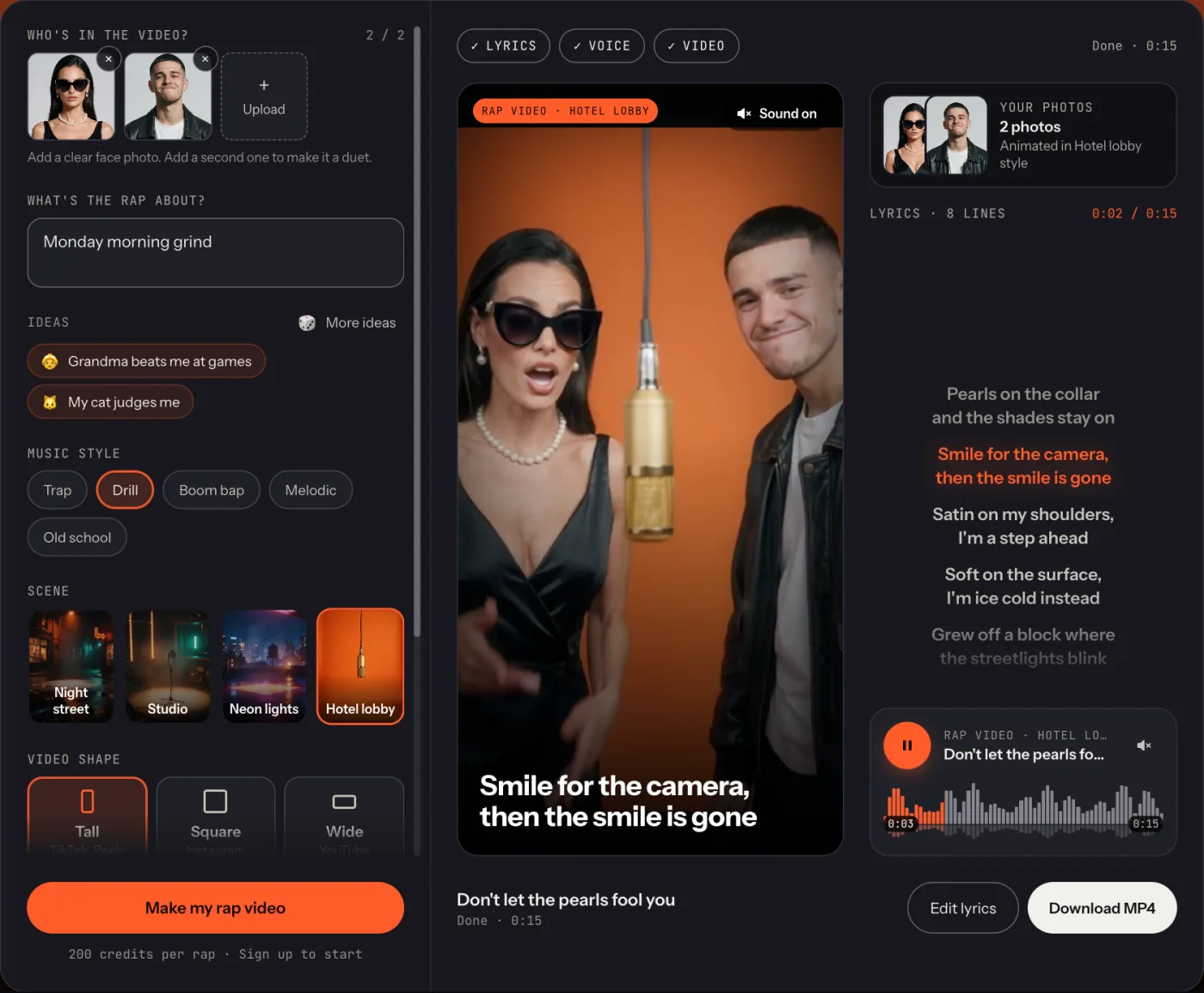
Here's where we're going. This one started as two photos and the topic "pearls and sunglasses":
Step 1: write the lyrics
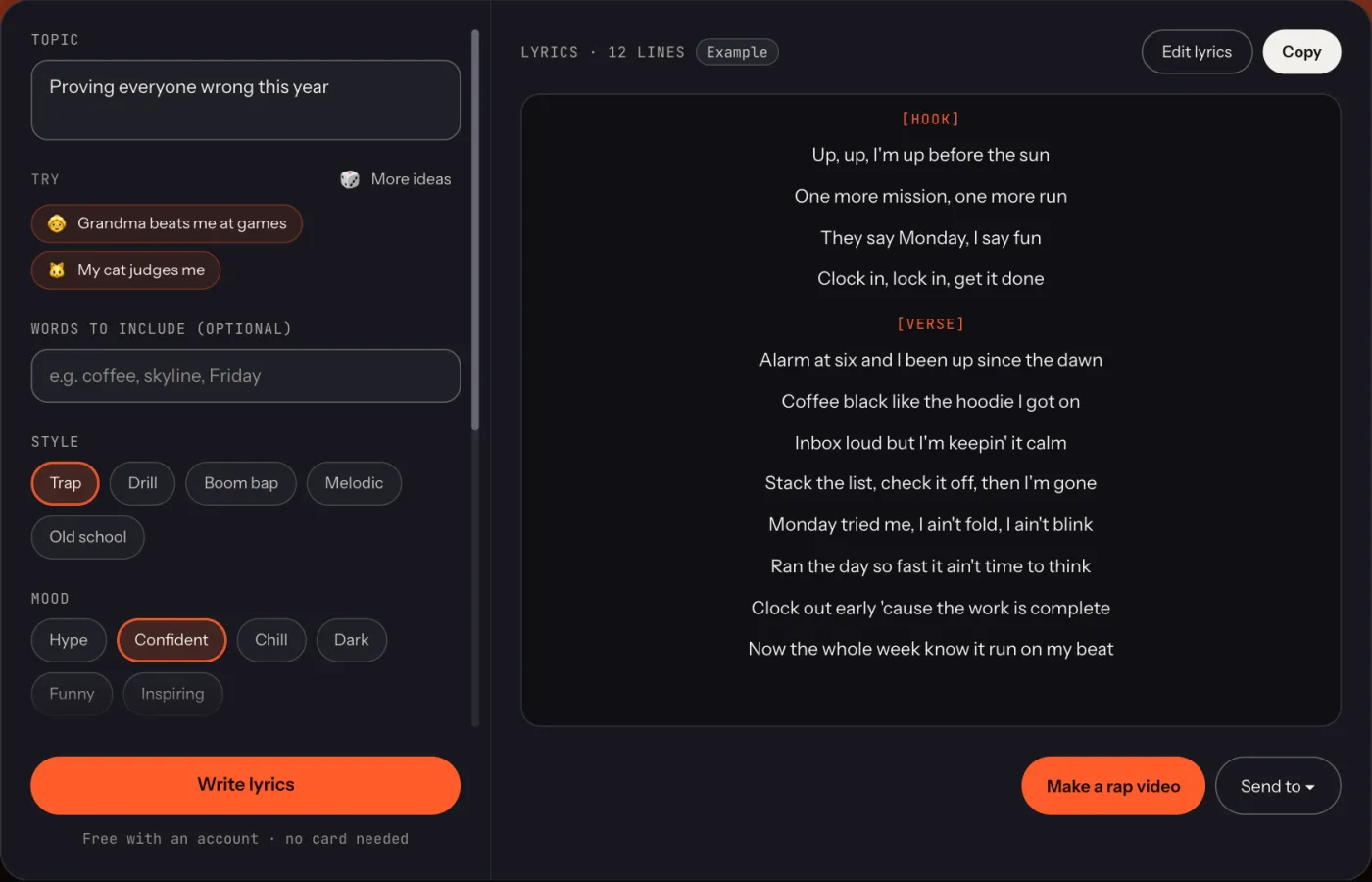
Everything starts with the words. A good AI rap is about something specific: "my cat judges me" beats "a song about my pet" every time, because a small, real detail gives the AI something to joke about.
- Open the Rap Lyrics Generator and type your topic.
- Pick a style (trap, drill, boom bap, melodic or old school) and a mood.
- Choose how long: 8 bars for a short clip, 16 for a full verse.
- Hit Write lyrics. Don't like a line? Rewrite just that bar.
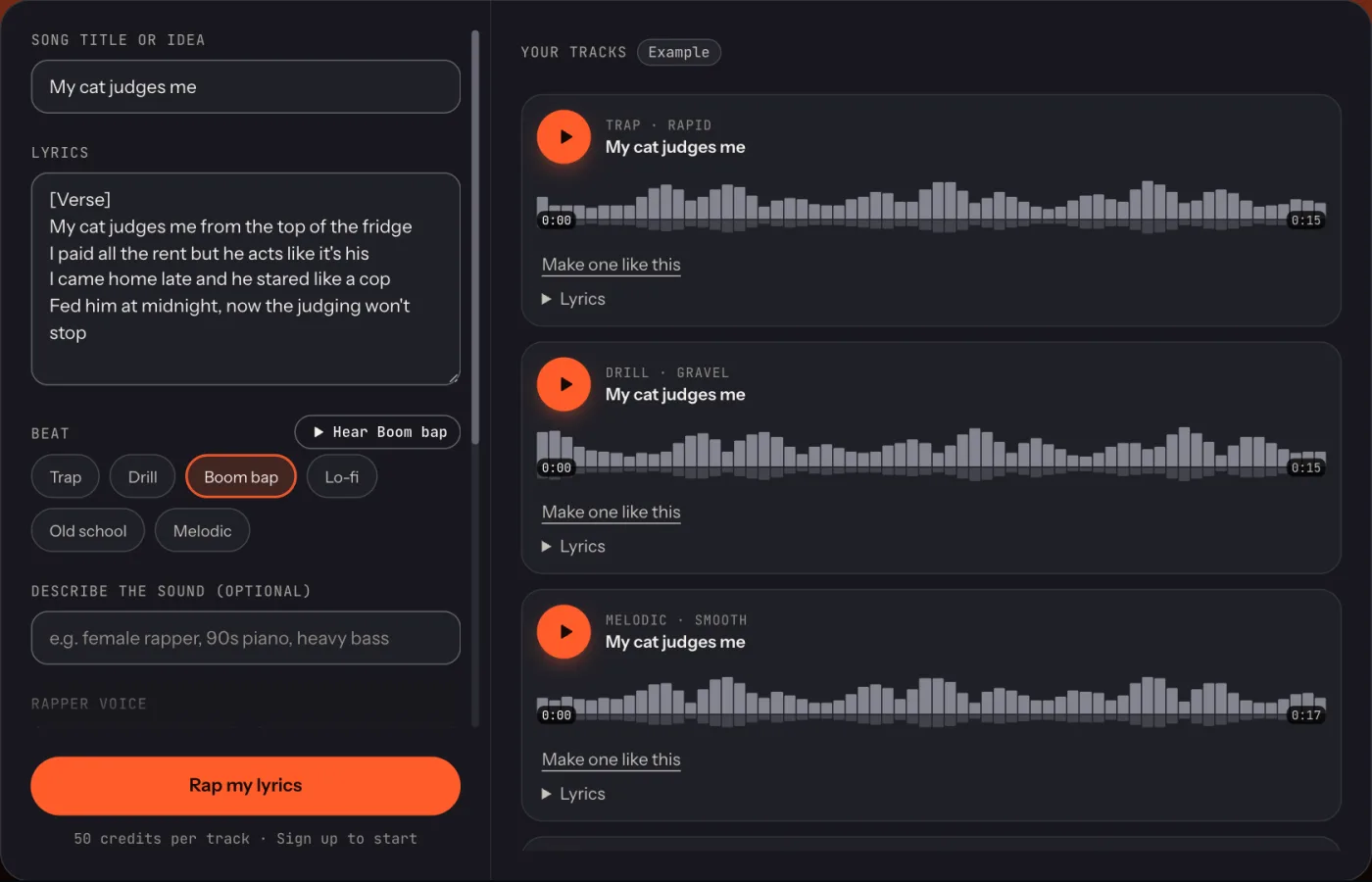
Here's a verse the generator wrote for "my cat judges me". Keep it in mind, you'll hear it rapped in the next step:
Verse
- My cat judges me from the top of the fridge
- I paid all the rent but he acts like it's his
- I came home late and he stared like a cop
- Fed him at midnight, now the judging won't stop
What makes these lines work: each one is a single idea, they're short enough to rap in one breath, and the last words rhyme in pairs (fridge / his, cop / stop). Want to write your own? Our guide on how to write rap lyrics covers rhymes, bars and hooks.
Step 2: choose an AI rapper voice
The voice decides the mood more than anything else. Same words, four very different songs. Tap each one:
Best for flexing and big statements
Gravel: deep and slow
Best for chill, feel-good tracks
Smooth: relaxed and melodic
Best for funny raps and fast flows
Rapid: fast and hyped
Best for drill and cold verses
Raspy: rough, British accent
A simple rule: match the voice to the joke. A deep, slow voice makes a silly topic sound hilariously serious; a fast voice makes it feel like a party. All four voices are original. HipGen doesn't clone real rappers.
Step 3: add a beat
The beat sets the speed. Fast flows sit on trap (around 140 BPM); storytelling sounds best on boom bap (around 90 BPM). Have a listen:
Hard 808s, rolling hi-hats
Trap
Dusty drums, crisp snare
Boom bap
Sliding 808s, dark piano
Drill
Warm keys, soft drums
Melodic
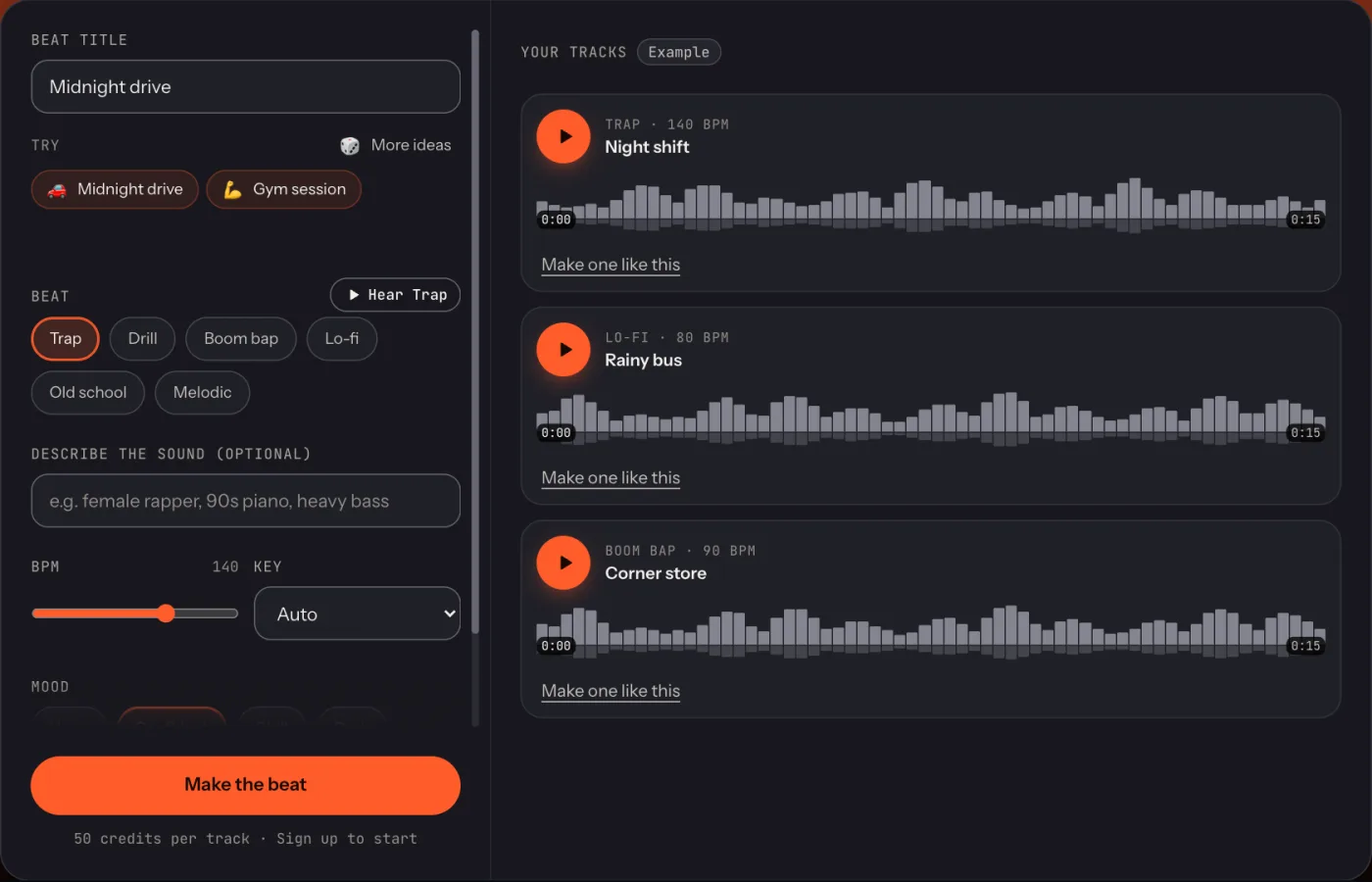
You don't have to make the beat separately. The voice and song generators put your rap on the beat you pick. If you want just the instrumental, to rap over yourself or to practise, the Rap Beat Generator makes one from a mood like "midnight drive" or "gym session".
Prompts that make better raps
The idea you type is the biggest difference between a forgettable rap and one people share. A few patterns that work:
| Weak idea | Stronger idea |
|---|---|
| A rap about my friend | Roast my friend Alex: always 20 minutes late, blames the bus, owns three watches |
| Happy birthday song | Happy birthday Sam, turning thirty, still the first one dancing |
| A rap about Monday | Monday morning grind: alarm at six, cold coffee, boss loves meetings |
| A rap about my dog | My dog thinks he's the boss of the house and the couch is his throne |
- Use names and numbers. "Sam's 30th" is funnier than "a birthday".
- Add one twist. The grandma who wins at video games. The cat who pays no rent.
- Inside jokes land best. Two or three details only your friends know make it personal.
- Describe the sound if you care. "Female rapper, 90s piano, heavy bass" steers the song generator.
- Keep it clean for sharing. Leave "No swearing" on if it's going to a family chat.
Bonus: turn it into a rap video
The fun part for TikTok and Reels: add a selfie and the AI rap video generator raps your lyrics on camera, with your face, in a music-video scene. One click writes the words, makes the voice and films the video.
Export and share
Every song and video downloads as a file: MP3 for songs, a vertical MP4 for videos, ready for TikTok, Reels and Shorts. You can post them anywhere for personal use on every plan; using them in ads, client work or selling them needs the Pro plan.